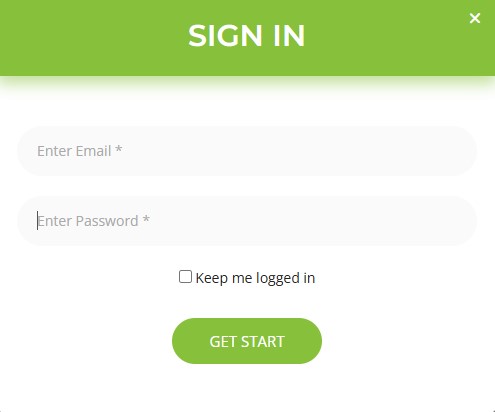
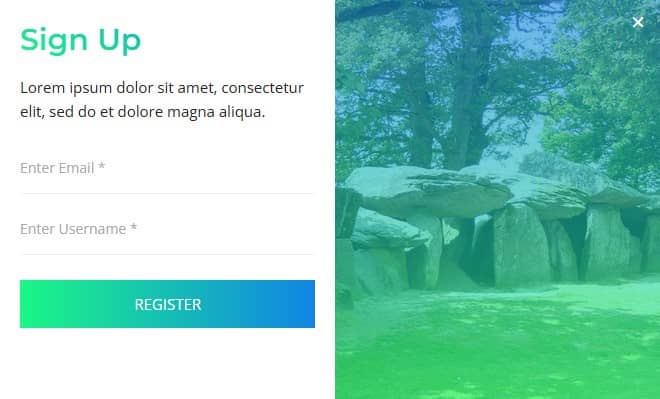
Create and display popups anywhere to engage and convert
Sina Extension works as a powerful popup plugin for Elementor and lets you build professional WordPress popups without Elementor Pro. Create announcements, email opt-ins, promotional offers, login forms, registration forms, and more without writing a single line of code. Display popups anywhere on your website to engage visitors and drive conversions.
Build any popup for your website without limits
Unlike most popup plugins, Sina Extension's Elementor Popup Builder doesn't limit you to a fixed set of widgets or lock important features for PRO version. You can use all available widgets and display your popups anywhere on your website just for FREE.
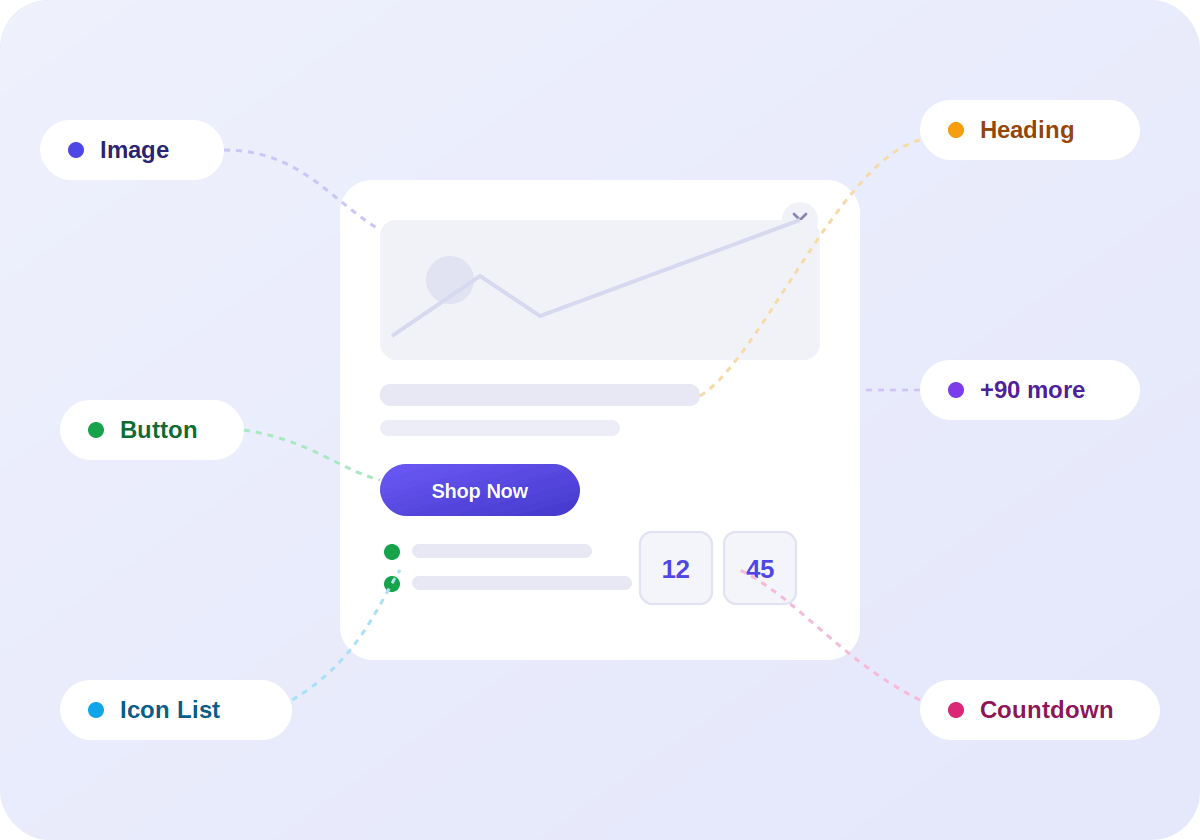
Open the Elementor editor and use any
widget from our full library — Buttons, Forms, Image, Countdown, Tabs and more — to design exactly the popup you have in mind.
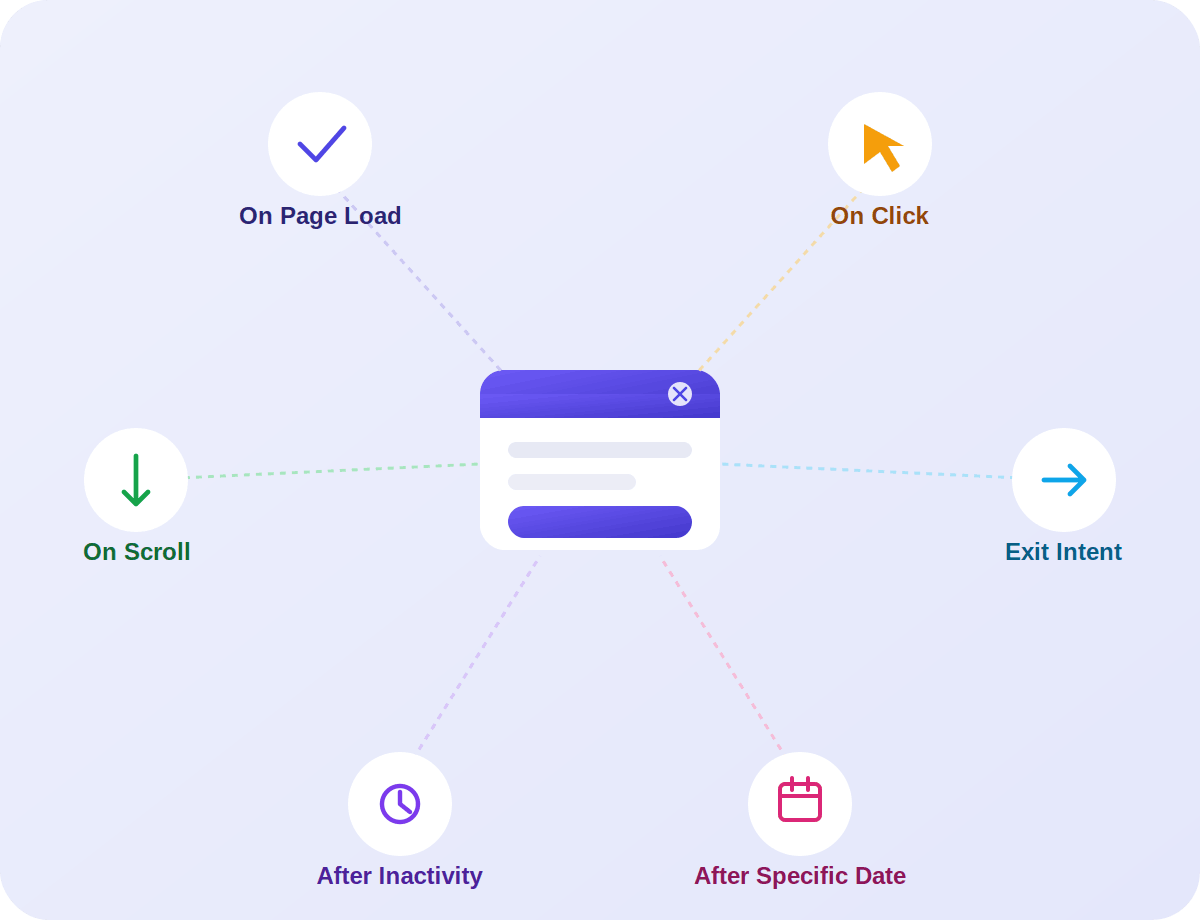
Built-In Trigger Options
On Page Load: Trigger the popups as soon as a visitor lands.
On Click: Show the popup when visitors click specific element(s).
On Scroll: Display the popup after a visitor scrolls a certain percentage or reaches a specific element.
Exit Intent: Catch visitors right before they leave your site.
After Inactivity: Show the popup after a period of inactivity.
After Specific Date: Display the popups after a specific date.
Why Sina Popup Builder
Works with Elementor Free: No Elementor Pro needed to build professional and attractive popups.
No restrictions or limits: Design with any widgets and show anywhere without limits.
Multiple trigger options: Page load, scroll, exit intent, inactivity, after specific date and click to CSS selector.
Frequency control: Control how often the same visitors see your popups.
Fully drag and drop: Visual editing, no coding required.
Ready-Made Popup Templates
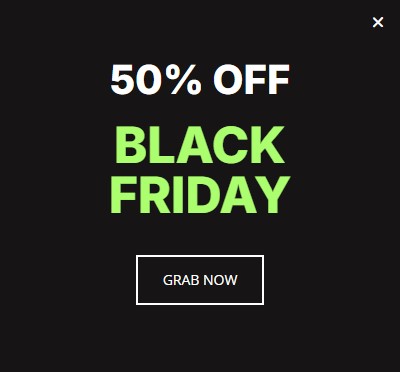
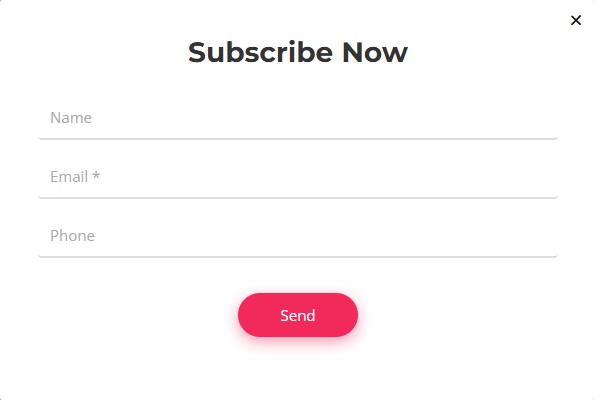
Start with a ready-made popup template and customize it your way.
Style-1
Style-2
Style-3
Style-4
Style-5
Style-6
Style-7
Style-8
FAQ
Do I need Elementor Pro to use the Popup Builder?
No. Sina Extension's Popup Builder works with the free version of Elementor.
What types of popups can I create?
You can create any type of popup, including newsletter popups, promotional popups, login and registration forms, announcements, exit intent popups, discount popups and custom marketing popups, without any restrictions or limitations. For slide-in panels and offcanvas content, you can use the Sidebar Builder.
Can I use any widget inside my popup?
Yes. You can use all compatible Sina widgets inside your popup designs.
What popup trigger options are available?
You can trigger your popup on page load, on scroll, on exit intent, after a specific date, click to CSS selector element, or after a specific period of inactivity.
Can I show popups on specific pages?
Yes. You can set display conditions to show or hide your popup on specific pages, posts or archives.
Will the popup slow down my website?
No. Sina Extension is optimized for speed and performance.
Start Creating High-Converting Popups
Build engaging and conversion-focused popups with Sina Extension's Elementor Popup Builder — no limits, no coding required.