Elementor
Theme Builder
Design every part of your WordPress site with Elementor Theme Builder - no coding required.
Build any template your WordPress site needs
Sina Extension's Elementor Theme Builder gives you complete visual control over your WordPress website. Design custom templates for Headers, Footers, Single posts, Archive pages, Search results, 404 pages and your Front page — all inside Elementor's drag-and-drop editor.
Create unique layouts for every part of your website, assign display conditions and manage everything visually. No coding, no template files and no Elementor Pro required. Just drag, drop and publish your designs with ease.

Template Types
Choose the template type you want to build.
Archive Page
Create archive page templates for your website.
Single Page
Create custom layouts for every individual page.
Single Post
Build single post templates that fit your needs.
Search Page
Design your own search results page.
Front Page
Full visual control over your homepage template
404 Page
Create a custom 404 page that matches your style.
Why Sina Theme Builder
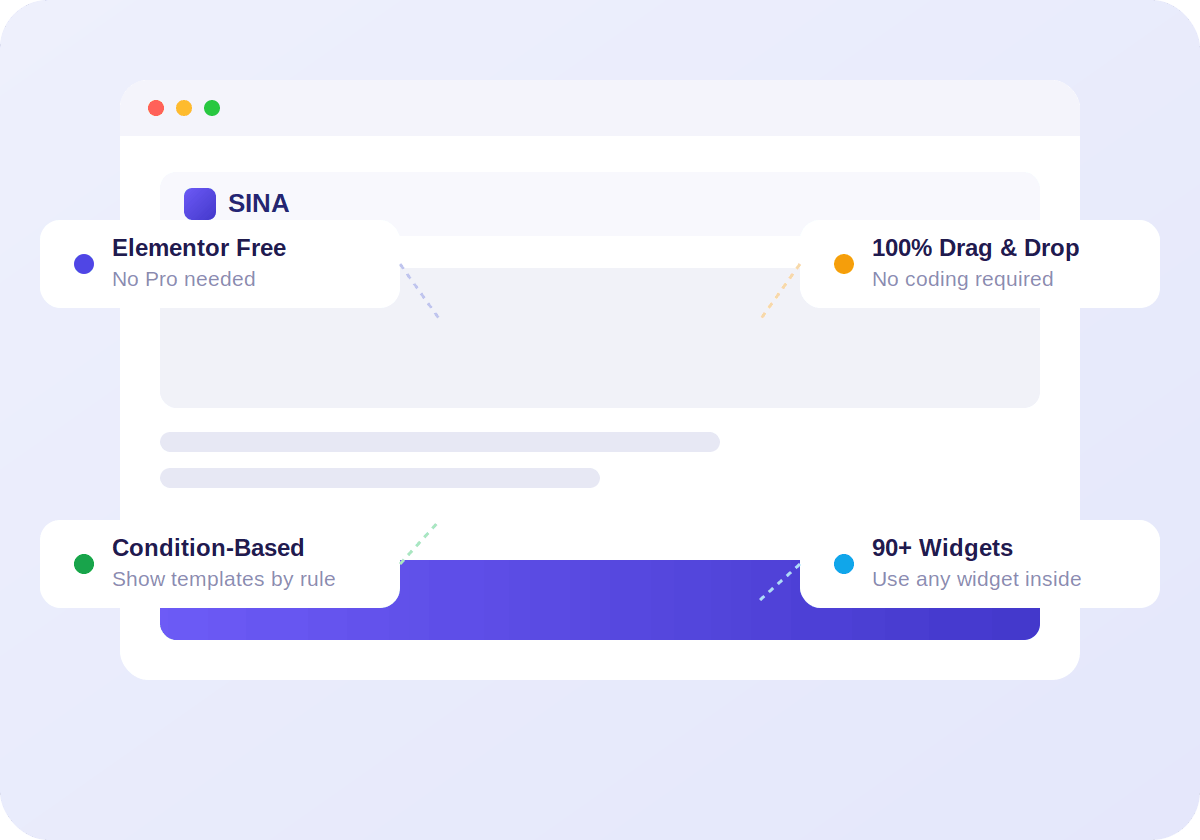
- Works with Elementor Free: No Elementor Pro needed. Get Theme Builder functionality without upgrading.
- Condition-based display: Show different templates for different pages, posts or archives.
- 100% drag and drop: Visual editing from header to footer, no coding required.
- 90+ widgets available: Use any Sina widget inside your theme templates.
Theme Builder Widgets
Every theme template gets access to Theme Builder widgets — dynamic content blocks that automatically display data from your WordPress posts, pages and archives.
Post Title
Displays the dynamic title of any post or page.
Post Content
Show post or page content dynamically.
Post Featured Image
Automatically display the featured image.
Post Excerpt
Show post summaries with full styling control.
Post Meta
Display author, date, categories & tags dynamically.
Post Navigation
Add previous and next post navigation links.
Post Comments
Show a styled comments section for any post.
Archive Title
Display dynamic titles for the archive page.
Author Profile
Display author bio, avatar and social links.
Posts
Show archive posts anywhere in your template.
How It Works
Build professional websites in just a few simple steps.
Create Template
Choose a template type and create a new template.
Set Display Conditions
Define where your template should show.
Design with Elementor
Open Elementor editor & design with our widgets freely.
Publish
Publish your template and see it live on your website.
FAQ
Do I need Elementor Pro to use the Theme Builder?
What templates can I create with the Theme Builder?
Can I create different templates for different post types?
Will the Theme Builder slow down my site?
Does it work with any WordPress theme?

Start building your WordPress theme today
Take full visual control of your WordPress site with Sina Extension's Elementor Theme Builder — no coding required.